Tools
1. Throwing Gas (Baseball Pitch Simulator)
About
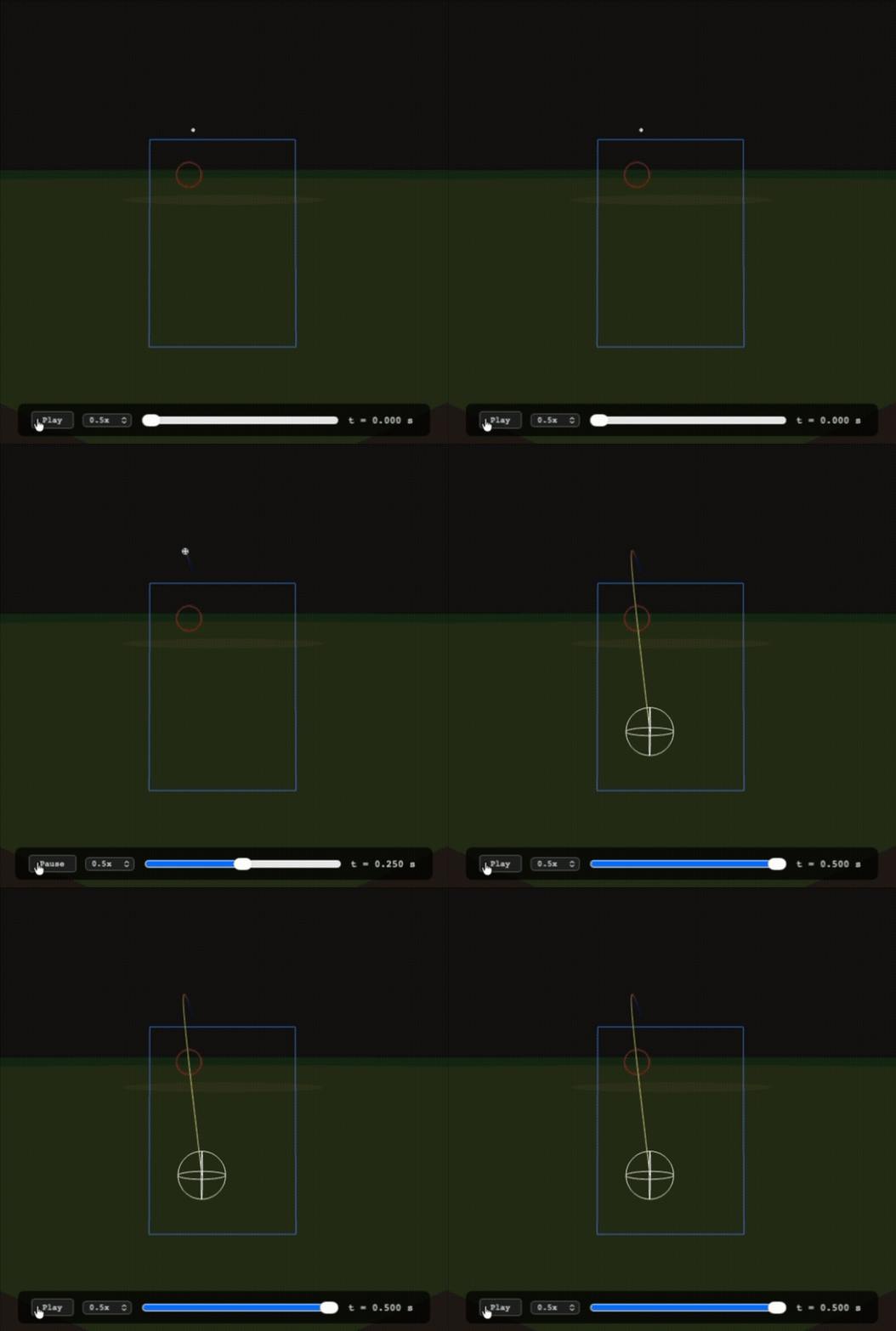
Throwing Gas is a baseball pitch simulation suite. It comes with a physics engine, a simple graphics engine, various scripts for working with MLB Statcast, and documented studies on pitch movements. Below is a simulated version of a knuckle curveball thrown by Gerrit Cole. Note that the animation has been slown down to accommodate the GIF frame rate.
Authors and History
The original physics implementation was written in 2018/2019 by two undergraduate students, June Jung and Richard Whitehill. The code was then rewritten to provide a cleaner API by C.D. Clark III, who also worked on some machine-learning models to simulate the batter's response.
The present repository is authored and maintained by June Jung (that's me). Some of the old code has been forked from Clark's repository, but majority of the stuff here has been rebuilt from scratch. This repository focuses strictly on accuracy, usability, and interpretability.
Usage
There are so many things you can do with this. But to name a few examples:
- Tweak around arm slots, spin rate, etc. to explore differences in pitch trajectories.
- Import data from Statcast to compare, modify, and play with pitches actually thrown in the MLB.
- Create imaginary pitcher profiles or test "what if" scenarios.
Development
The GitHub repository has more technical information about how the thing works, as well as the physics improvements which have been implemented or are planned.
2. Markdown Tools (md-tools)
About
md-tools is a set of Python scripts for managing Markdown files. It's mainly useful for two purposes that Markdown-based apps tend to struggle with out-of-the-box: (1) managing footnotes or endnotes, and (2) turning a directory full of Markdown files into a static website, as opposed to converting just one document into html format. This website which you are currently on is created with md-tools. Oh, you can also make slideshows.
It's meant to be used on the commmand line—or, if you're a bit tech-savy, integrated into your editor of choice via custom plugins. Working plug-ins are available for VS code and Obsidian; ask me if you would like it.